








The All-new Windows 8 is Unveiled by Microsoft
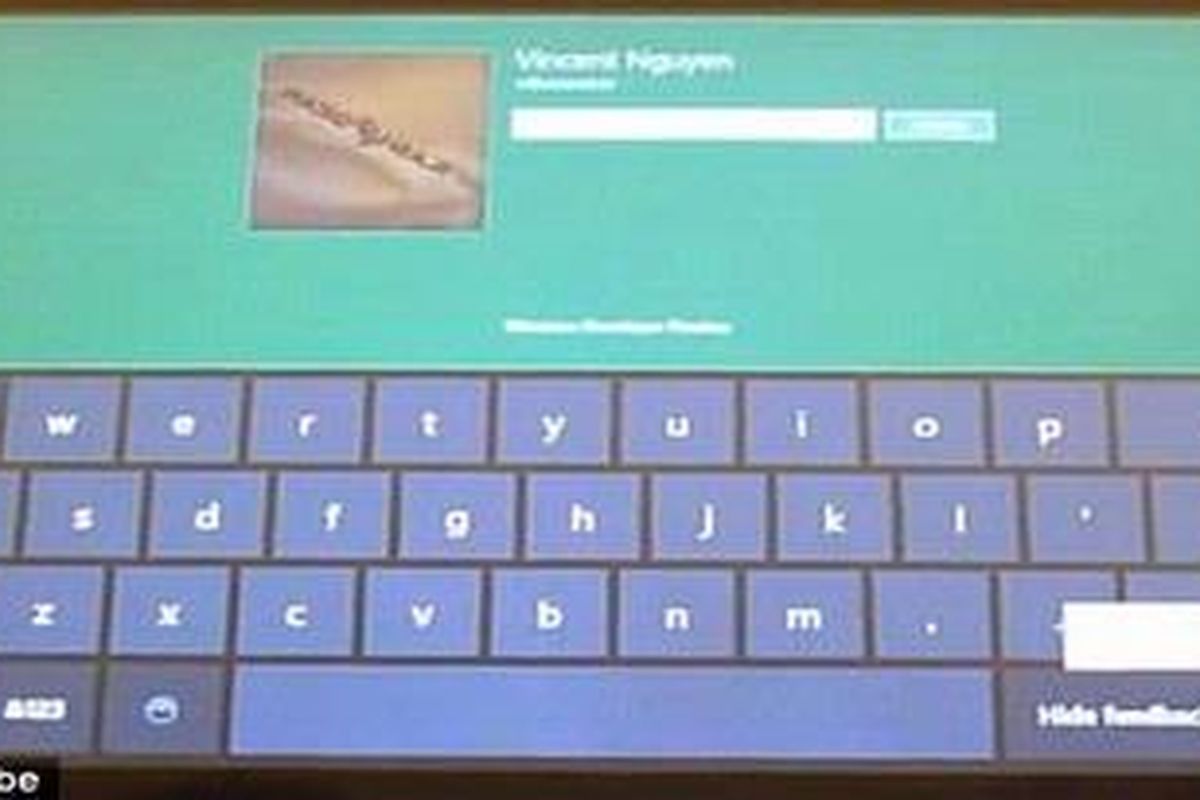


KOMPAS.com - The long awaited Windows 8 was fully unveiled at the Windows Build Conference on Tuesday. It may have the start-bar-and-icon Desktop look that Windows users are familiar with, but as the crowd at Anaheim, California, saw, any similarities with Windows 7 end there.
The new system has a new, touchscreen-optimized interface called 'Metro,' which looks more like the Windows Phone operating system. That, industry experts believe, looks like the future of Microsoft Windows from here on.
The touch-optimized interface was all Stephen Sinofsky, President of Windows, and Julie Larson-Green, Corporate Vice President of Windows, were talking about when they showed off Windows 8 to developers at the conference.
They did not, however, say when the new operating system would be available to users. Speculation, however, points to some time in early 2012.
Options for using the operating system include two views: the PC-friendly classic Desktop View and the tablet and touchscreen-friendly Metro View. According to Mr Sinofsky, Windows 8 offers 'hundreds' of new features.
With the new system, notifications such as new email alerts, Wi-Fi availability and other user-chosen information will show up on the new lock screen. In the Metro view, users can scroll from side to side, much as they would on an iOS or Android phone, for different groups of applications.
The system can be refreshed without deleting music, movies or documents, the Huffington Post reports. This may prove to be a convenient and hardware-less way to restore your system without losing all of your media.
A push of the button from the Control Panel activates the system refresh, making it pretty convenient for the average PC user. The task manager has a new look which is easy to read and use, with all the useful information lined up in columns.
As a bonus, the task manager also allows you to add and delete which programs you want to automatically load at startup. For those who type with their thumbs, there is a split keyboard to help you.
On the start bar in 'Metro View' is the 'Share Charm,' a little button that pulls up a sidebar for easy sharing through a number of different apps. It's a useful utility that allows users to share what they're looking at with anyone in their address book using the automatic Share program.
The multiple interfaces and visually-striking touch-and-slide systems look like they use a lot of RAM. But according to Mr Sinofsky, Windows 8 takes up 281MB to run on startup, versus 404MB for Windows 7.
KOMPAS.com berkomitmen memberikan fakta jernih, tepercaya, dan berimbang. Dukung keberlanjutan jurnalisme jernih dan nikmati kenyamanan baca tanpa iklan melalui Membership. Gabung KOMPAS.com Plus sekarang




